
Install on Webflow
Paste the Luria tag into Webflow's site-wide head code, publish, and count conversions on your thank-you or order confirmation page.
About 5 minutes
Webflow has a head code box for the whole site. Paste the tag, publish, then decide how the conversion gets counted: a redirect to a /thank-you page needs no code at all.
What you'll need
- Your Luria tag, with your site ID already filled in. Luria gives you the tag during onboarding, or by email from hello@luriart.com. The dashboard does not show the site ID yet.
- Access to the site's settings in Webflow (site owner, or a workspace member who can publish)
- A paid Site plan. Webflow keeps the custom code fields locked on the free Starter plan.
Steps
Step 1: Paste the tag into the head
Open the site in Webflow, then go to Site settings → Custom code. Paste the tag into the Head code box and click Save changes.
<script async src="https://luriart.com/snippet.js" data-luria-site="YOUR_SITE_ID"></script>Older Webflow accounts show this as Project settings → Custom code; the box is the same one.
Step 2: Publish
Custom code only reaches visitors on a published site. Click Publish and pick your live domain. The Webflow staging domain (.webflow.io) works for a quick look, but conversions from it are not counted against your site.
Step 3: Count the conversion
Pick whichever matches your site.
Forms (leads, signups, bookings). In the Designer, select the form, open form settings, and set After submission → Redirect to another page. Point it at a page whose URL ends in /thank-you. Luria counts a visit to that path as a conversion on its own, once per browser, with no code.
Webflow Ecommerce. The order confirmation page does not use a URL Luria recognises, so add the call. In the Designer open the Order Confirmation page, click the page settings gear, and paste this into Before </body> tag:
<script>
  (function go(n) {
    if (window.luria) return window.luria.convert("purchase");
    if (n < 50) setTimeout(function () { go(n + 1); }, 200);
  })(0);
</script>
The loop waits for the tag to finish loading, up to about ten seconds. To record revenue, pass the total as a second argument, for example window.luria.convert("purchase", 129.00).
Call it once. Two calls on one page count as two conversions.
Verify it worked
- Open your published site in a private window with ad blockers off. If you are in the EU, UK or Switzerland, Luria shows a small consent banner; click Accept, since nothing is tracked before you answer it.
- View the page source. The tag is inside
<head>with your site ID in it, notYOUR_SITE_ID. - In the browser's Network tab, look for a request to
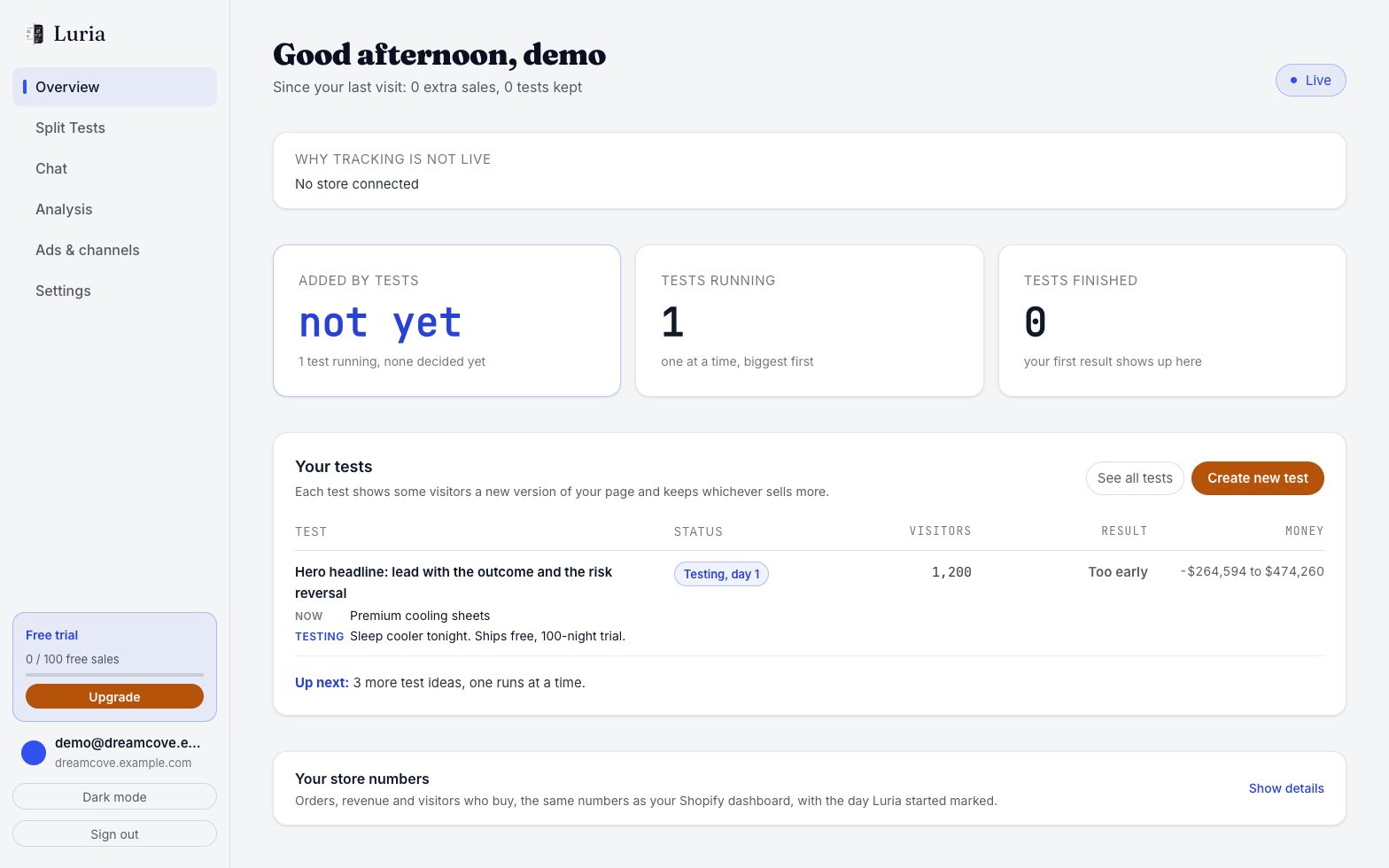
luriart.com/api/events. Events are batched, so give it a couple of seconds. - Submit the form, or place a test order. On luriart.com/app, open Overview and its Customers section: the Customers count goes up by one and that visit is listed.
Full checklist: Verify your install.
Common failures
- Saved but not live. Custom code ships on publish. Save, then publish, then reload the live domain.
- Nothing tracked at all. The tag is missing its site ID or the ID has a typo. Without a valid
data-luria-sitethe snippet stops immediately. - Testing on the staging domain. Use the domain you gave Luria.
- Form redirects to a Webflow success message instead of a page. The inline success state never changes the URL, so nothing is counted. Switch the form to a redirect, or put the conversion call in the success block.
- Counted twice. The call is on the page twice, or the customer reloads the confirmation page. Keep one call. See Duplicates.
- Nothing in the test browser. Global Privacy Control or Do Not Track is on, or you clicked Decline on the banner earlier. Luria collects nothing in both cases. Clear the site data and try again.
Single-page behaviour
Luria runs once per full page load. Webflow's page-to-page navigation is a full load, so this is fine. Interactions that swap content without changing the page do not trigger a new run.
Next steps
Install on BigCommerce
Add the Luria tag with Script Manager, then add a second script on the Order confirmation page so purchases are counted.
Install on WordPress
Add the Luria tag to a WordPress site with a header plugin or your theme's functions file, then count form submissions on the thank-you page.