
Ad landing pages
Paste an ad, get a link, and send that ad's clicks to a page written to match it. Luria tests the page.
Only visitors from that link see the matching page. Everyone else sees your normal page and its own test.
Add the ad
Ads & channels → + Add an ad. Drop the images or videos (up to 10), name it, pick the platform, set the landing path, tick the consent box.
Use the link
Press Copy link and use it as the ad's destination URL.
Each ad card also has What changed, Build again, Pause and Archive.
Free plan: 5 ad pages (archive one to free a slot). Paid: no limit. Ad pages don't use your one live test slot.
Channel pages
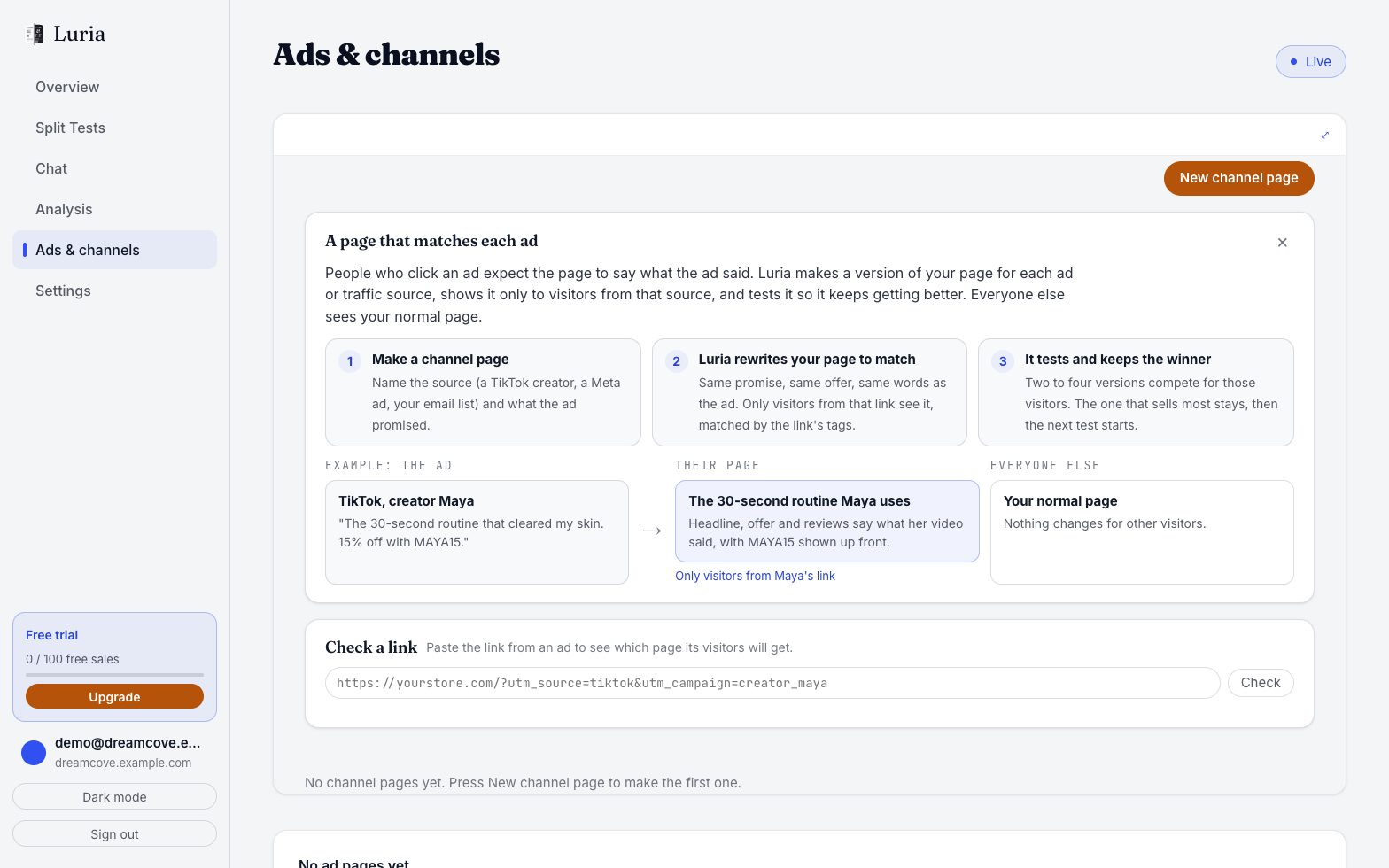
For a source instead of one ad (a newsletter, a podcast, an affiliate): New channel page, fill in who arrives and what they were promised, press Build and start testing. Check a link shows which page a URL's visitors get.
Chrome extension
The Luria Ad Sets extension sends an ad set to Luria from your browser.
- Ads & channels → Chrome extension → Install.
- Click the Luria icon, then Sign in with your Luria account.
- On the tab that opens, press Connect.
- In the side panel, add up to 15 images and 15 videos, paste the copy, press Create ad set and build the page.
No sign-in tab? In Luria open Settings → More settings → Chrome extension key → Create key, and paste it under Advanced → Use this key instead.